
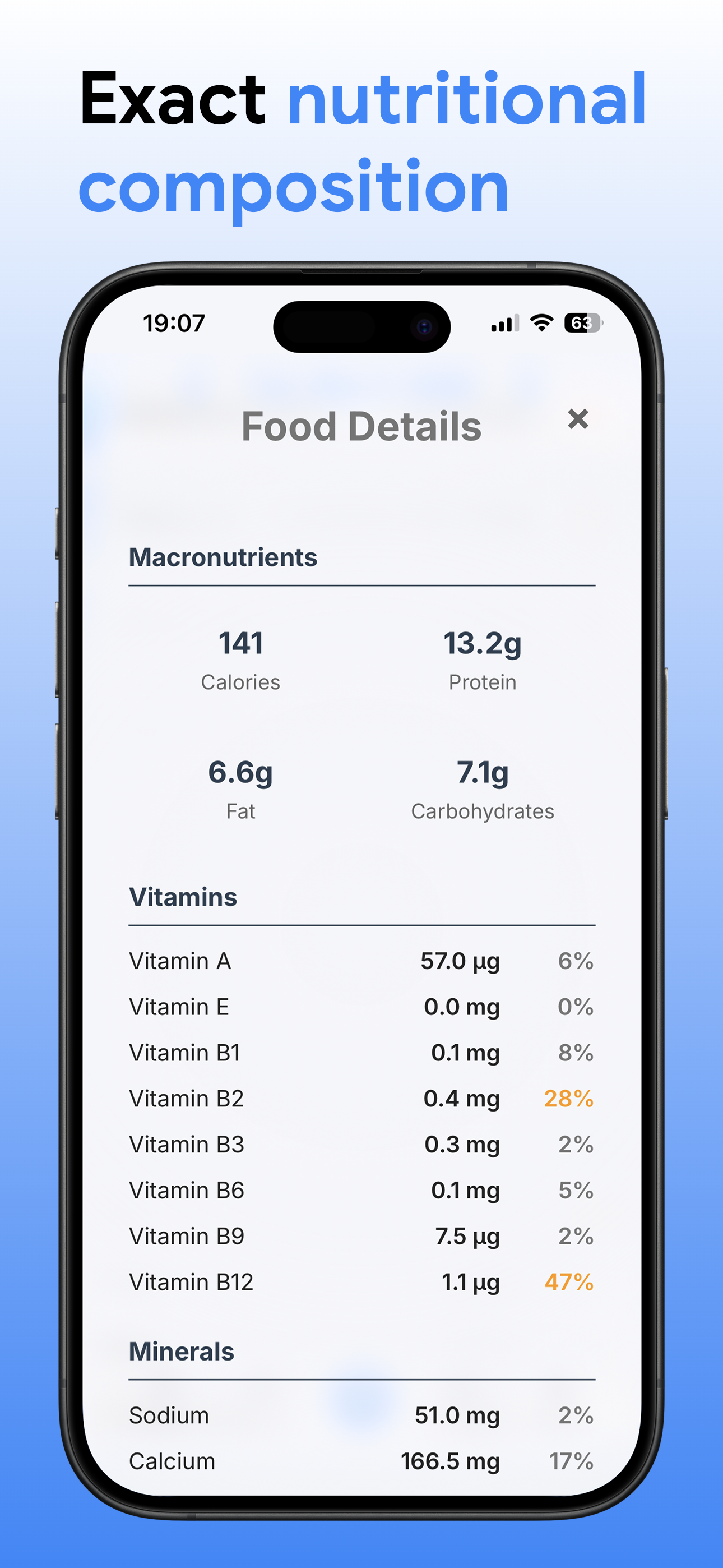
Track 50+ nutrients, vitamins, minerals, and antioxidants with AI-powered food recognition
Comprehensive tools to help you reach your health goals

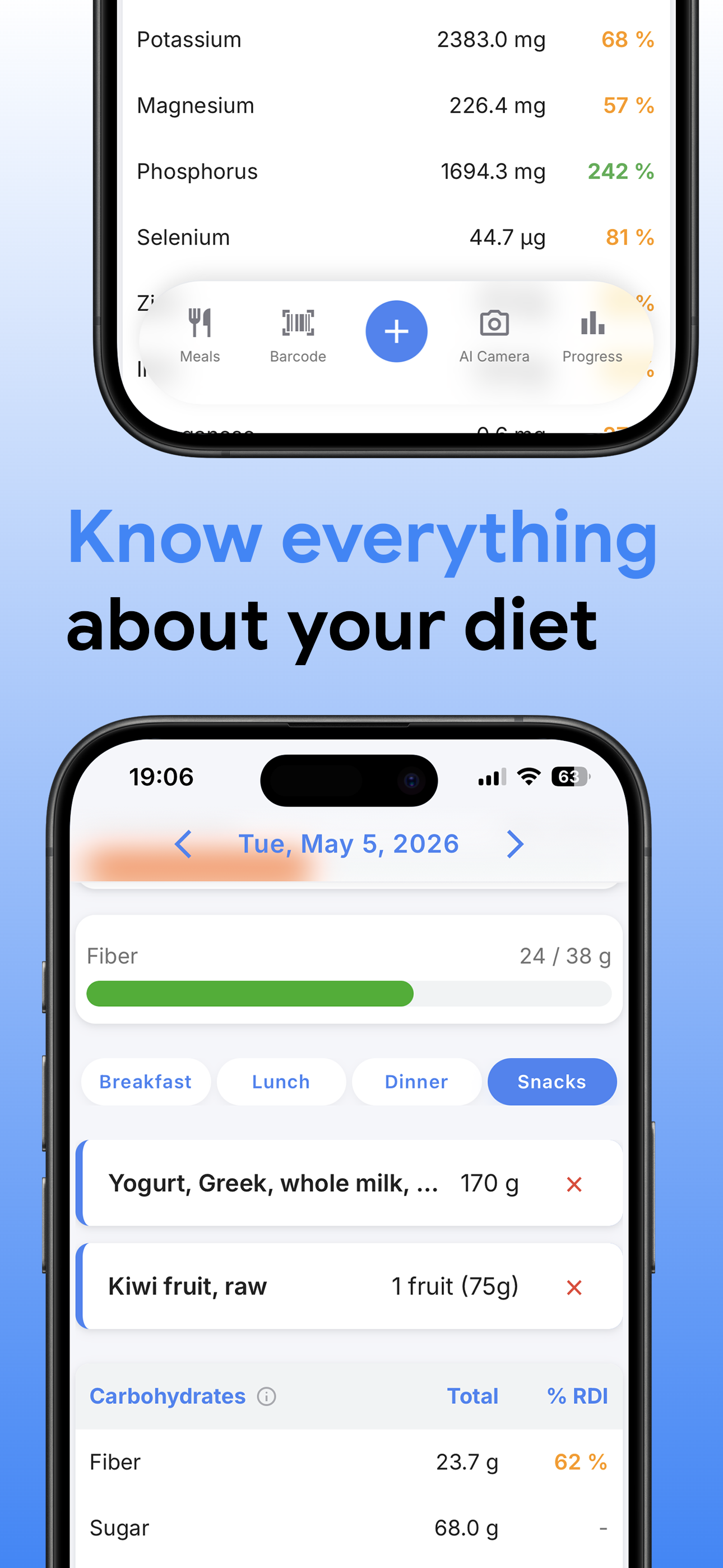
Monitor vitamins, minerals, antioxidants, and other essential compounds for complete nutritional insight

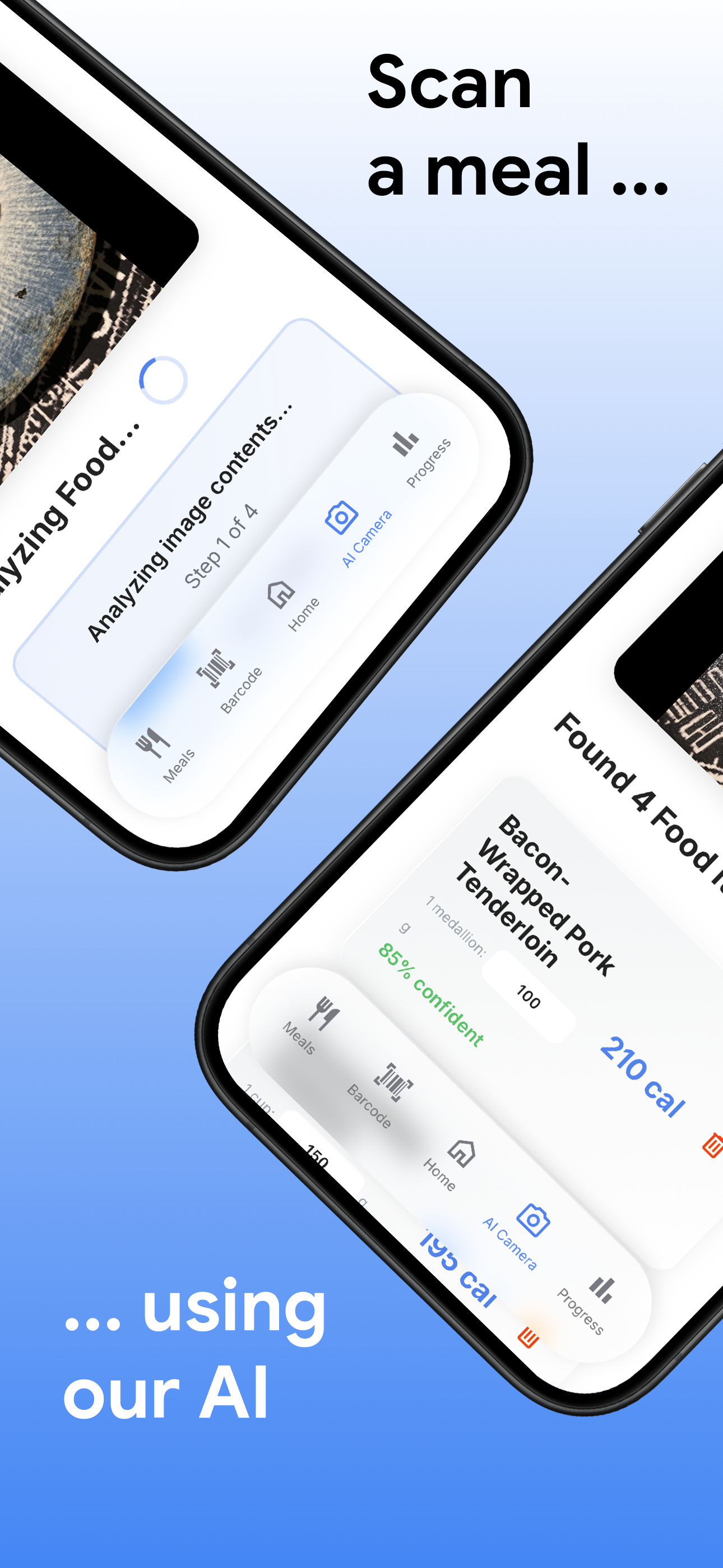
Intelligent food recognition and search powered by advanced AI to make logging effortless

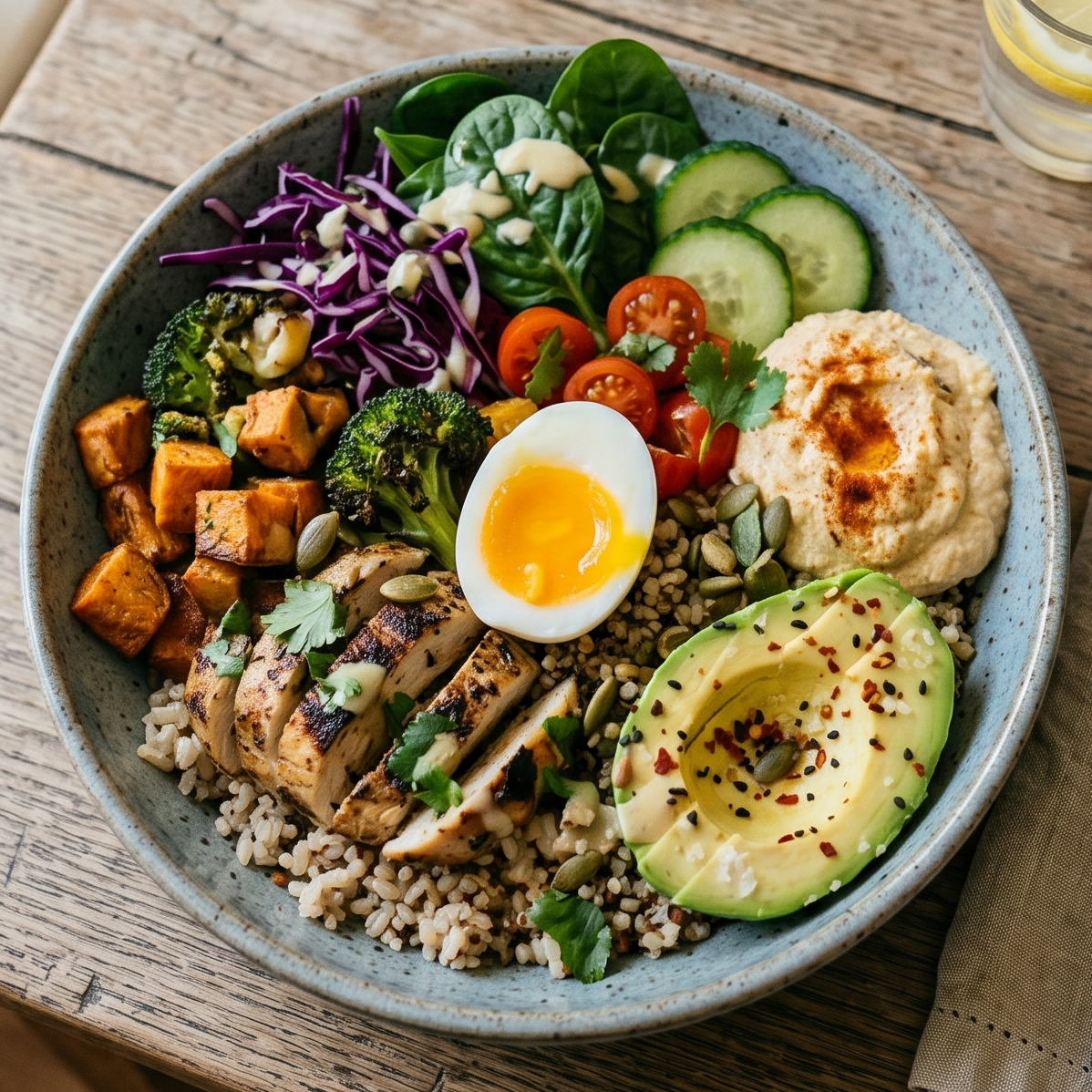
Take a photo of your food and let AI instantly identify and log nutritional information

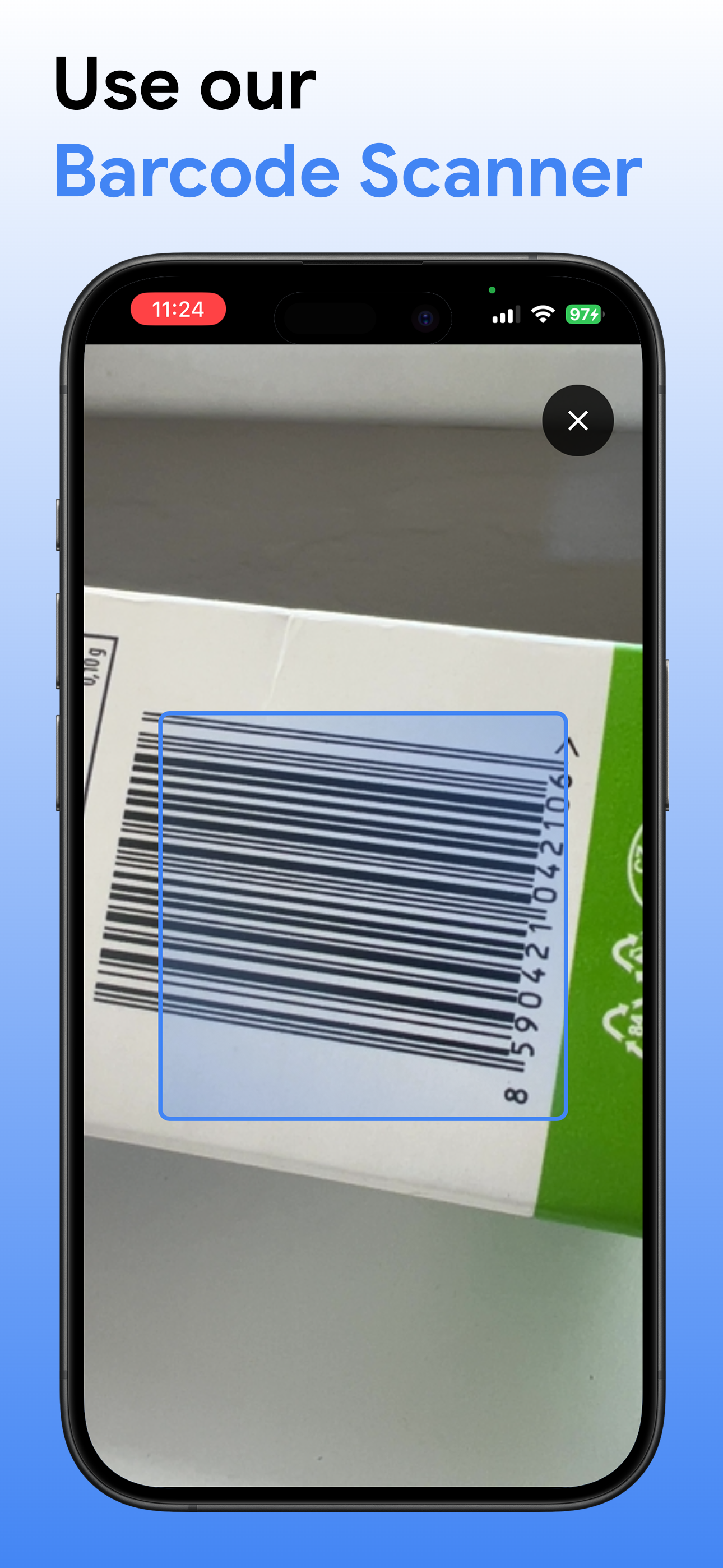
Quickly scan packaged foods to instantly add accurate nutritional data to your log

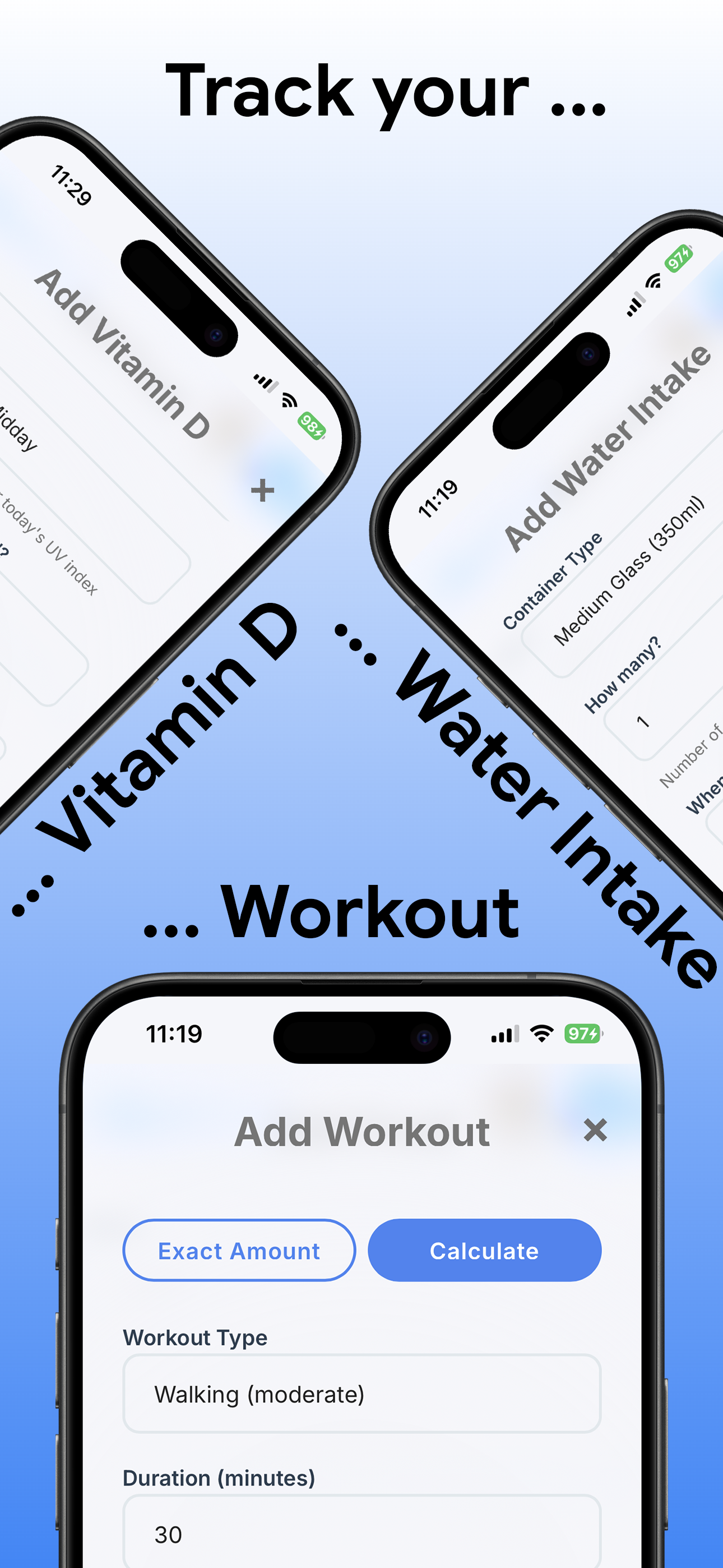
Stay hydrated with easy water intake logging and daily hydration goals

Track your weight progress with intelligent insights and personalized recommendations

Visualize your nutrition trends with comprehensive charts and progress tracking

Calculate your vitamin D production from sun exposure based on location and time

Create and save your favorite meals and recipes for quick logging
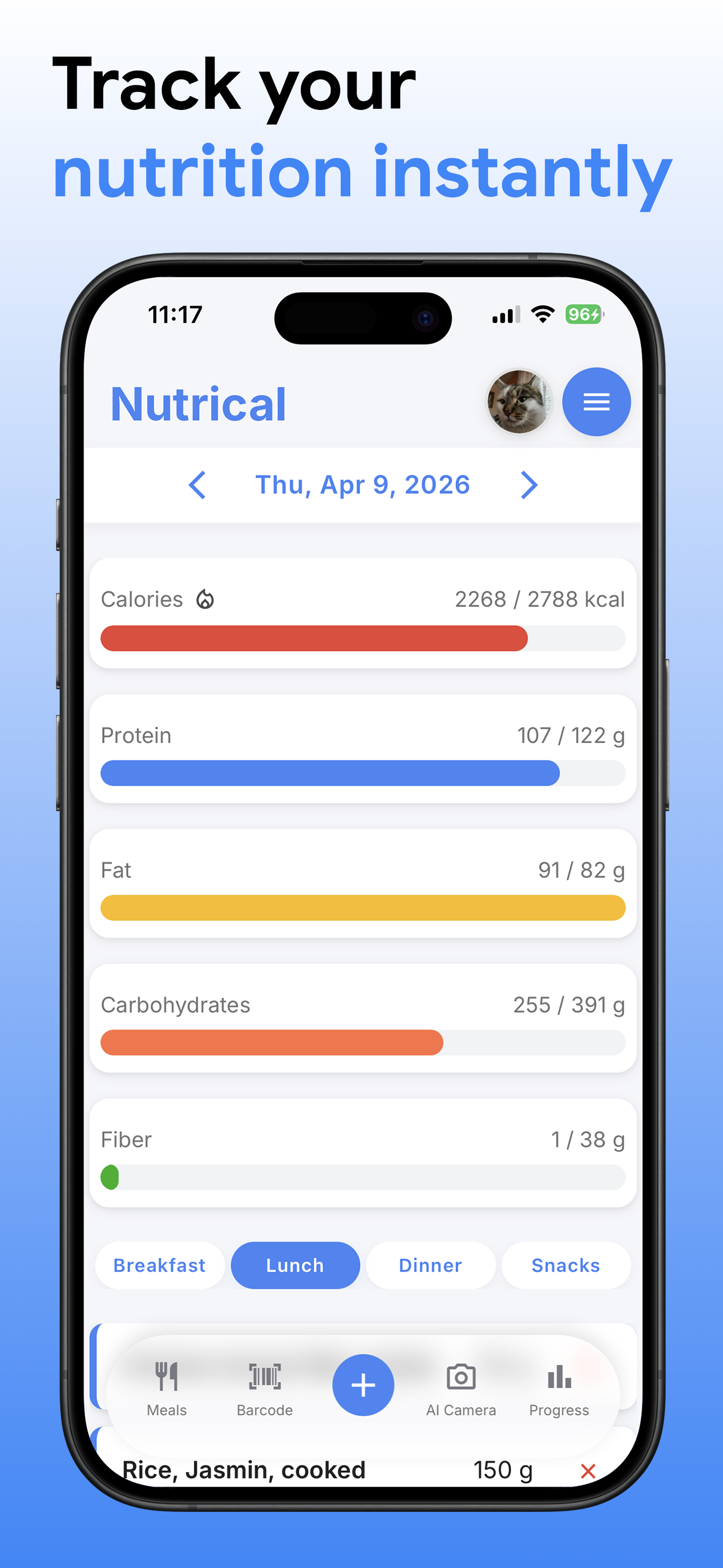
Experience the intuitive interface designed for your health journey
Choose the plan that fits your health journey
Perfect for getting started
Everything you need for optimal health
Nutrical lets you track 50+ nutrients including vitamins, minerals, antioxidants, and other compounds. You can also monitor calories, macronutrients, water intake, weight progress, and create custom meals and recipes.
Yes. The free plan covers basic tracking, progress charts, cross-device sync and 15 nutrients. Premium adds all 52 nutrients, antioxidants, the AI food scanner and priority support for $3.99/month or $34.99/year.
Our AI camera feature analyzes photos of your food to identify items and estimate nutritional content. The AI-assisted search helps you find foods quickly and accurately. We use data from USDA FoodData Central and OpenFoodFacts, enhanced with AI for accuracy.
Yes! All users get free cross-device sync, allowing you to access your nutrition data seamlessly across all your devices.
Tags narrow down your food search by source. There are 9: Foundation, Legacy and Survey (USDA), Branded (manufacturer data), OpenFoodFacts, Foreign (NEVO, AFCD and CoFID), Custom, Recipe and Supplements.
On iOS Safari: Tap the Share button, scroll down and tap "Add to Home Screen", then tap "Add". On Android Chrome: Tap the menu (⋮), tap "Add to Home screen" or "Install app", then confirm.
You can reach our support team at [email protected]. We're here to help!